

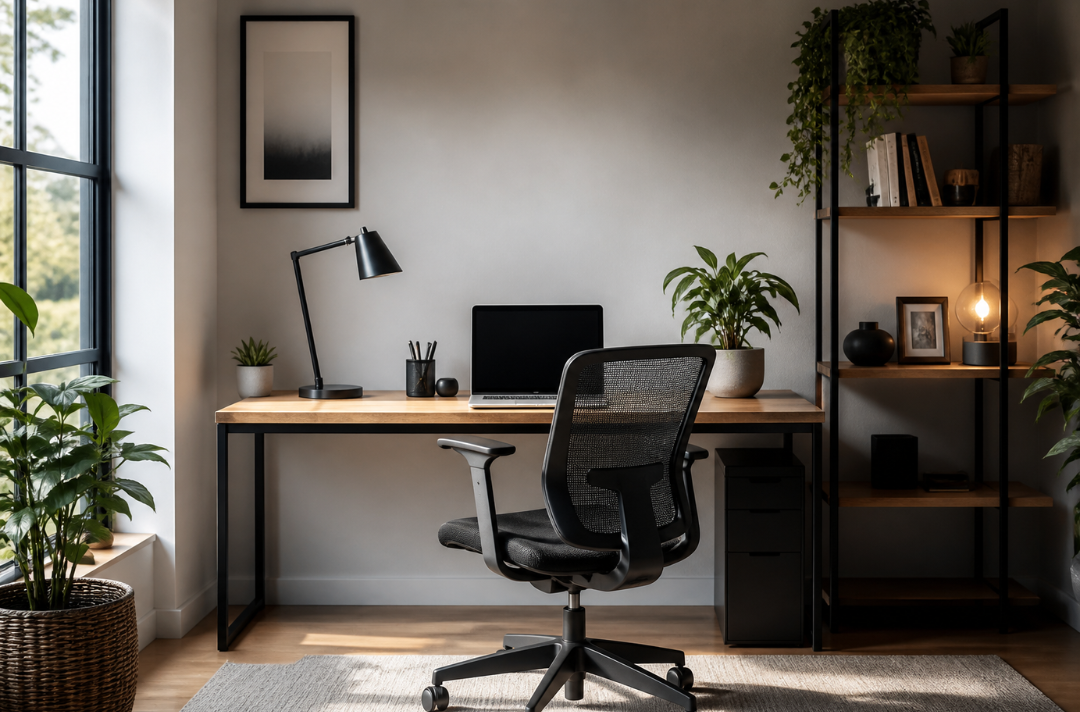
An essential workspace is no longer a bonus feature. Buyers ask about it. Sellers use it to market a home. And if you work from home, you feel the difference right away when it’s done poorly. Most setups miss the point. They focus on looks, not how you actually work. Here’s what holds up in real homes—and what doesn’t.
Start with where you put it
You don’t need a full office. You do need separation. A quiet corner works. A spare room is better. The key is distance from daily noise and traffic. That separation helps you switch into work mode and then step away at the end of the day. If your workspace sits in your kitchen or bedroom, distractions come with it. It also makes it harder to separate work from the rest of your day. If space is limited, set up a clear zone. A small desk, a chair, and a lamp can still feel like a proper workspace if you use it that way.
Your chair matters more than your desk
People spend money on desks and ignore the chair. That’s backwards. A poor setup leads to back and neck issues over time. You don’t need luxury. You need support. Your feet should sit flat on the floor. Your screen should be at eye level. That’s it. Standing desks get attention, but most people don’t use them properly. If you won’t adjust it daily, skip it.
Light can fix or ruin your setup
Natural light helps you stay focused. It also reduces eye strain. But placement matters. A window in front of you causes glare. A window behind you makes video calls look bad. Side lighting works best.
If natural light isn’t an option, use two sources:
- a desk lamp for tasks
- softer overhead light to reduce shadows
Harsh ceiling lights alone don’t cut it.
Clutter kills your focus faster than noise
A messy desk looks harmless. It isn’t. Clear it down to what you use daily. If you haven’t touched something in a year, move it out. Use shelves instead of stacking items on your desk. Walls are wasted space in most home offices. Storage doesn’t need to be built-in. A simple shelf at 1.5–1.8 meters high can handle most of what you need.
Don’t treat it like a display space.
This is a common mistake. You don’t need matching decor or a styled setup. You need a space that works without getting in your way. That said, add a few personal items. A plant. A photo. Keep it simple, but make it feel like your space. “Desk styling” gets talked about a lot, but most of it just fills your space without helping you work. Keep it simple.
What shows up behind you matters too.
You might not think about it, but others do. Video calls are part of daily work now. A clear background, decent lighting, and a steady camera angle help you come across better. Homes with dedicated video call areas—even small ones—are starting to attract more buyer interest. You don’t need a full setup. Just avoid sitting with a bright window behind you and a messy room in view.
What buyers notice (and what they don’t)
Buyers don’t care about your desk brand. They care that the space works.
They look for:
- a defined work area
- enough natural light
- room for a desk and chair without crowding
Home offices and flexible work areas continue to show up on buyer wish lists. If your home has one, highlight it. If it doesn’t, stage one. Even a small setup helps people picture how they’ll use the space.
The part most people skip: boundaries
An essential workspace isn’t just about the setup. If you work where you relax, it drags your day out. If you never step away, work starts to take over. Pick a time to stop. Close the laptop. Leave it there. No design fix replaces that. You don’t need a perfect office. You need a space that works every day without effort. That’s what makes an essential workspace worth having—and worth showing when it’s time to sell.