

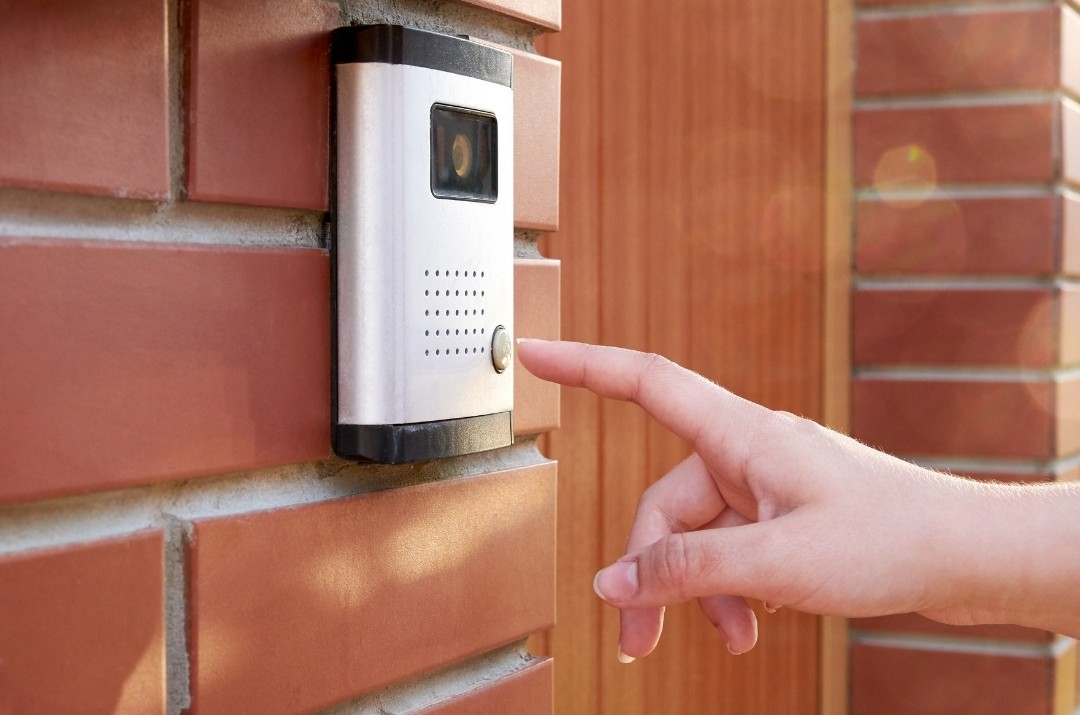
Many homeowners choose home surveillance tools like a Ring doorbell or smart cameras to watch activity at their property. Your home surveillance system should give you remote access, solid privacy, and protection from cyber threats.
First, pick a system with remote access that actually works. You want a mobile app that lets you see a live feed from outside the house. A good app will send push alerts when something moves and let you check video from different cameras quickly. Not all apps are equal. Try the app first. Make sure it’s easy to use and responds quickly before you buy.
Next, think about how your footage is stored. Some systems store video in the cloud, letting you watch recordings from anywhere but tying you to monthly fees. Others offer local storage on cards or hard drives so you keep control and avoid subscription costs. Many homeowners choose a mix — local storage for long-term records, cloud for quick remote access.
Remote access and cyber safety go hand in hand. Smart security devices connect to your Wi-Fi. If your network is weak, your cameras and doorbells become gateways for hackers. Use a Wi-Fi password that’s hard to guess, and make sure your router is using current security settings like WPA2 or WPA3. Put your cameras on a separate network if your router supports it.
Two-factor authentication (2FA) matters. If your system supports it, turn it on. A password alone often isn’t enough. 2FA adds a second check before access — like a code sent to your phone.
Keep firmware up to date. Manufacturers release patches that fix security holes. Systems that don’t update automatically can be a weak point. You want updates to install without you having to hunt for them.
Encryption matters too. Pick cameras and doorbells that encrypt video feeds and stored footage. Encryption means your video is scrambled so only you can view it. Choose cameras and doorbells that protect both live video and saved clips. Without that protection, someone on your network could see your footage.
Don’t rely on defaults. Many cameras ship with basic login names and passwords. Change them immediately to something unique. Default credentials are one of the easiest ways for attackers to get in.
Be careful if you let people other than you access the system. Some products let you share access with family or neighbours. If you do, set limits on what they can see or do.
Placement and physical setup still matter. Cameras should cover entry points and blind spots. Doorbell cams should be high enough to avoid being tampered with but positioned so faces are visible.
Remote access is useful, but it increases risk if it isn’t secured properly. If you don’t need to check your cameras from far away, consider disabling internet access and only use remote viewing when you’re out of town.
At the end of the day, your main decisions revolve around how you want to access your home surveillance system and how much you’re willing to manage security yourself. Don’t assume that a smart doorbell is just a gadget — it’s part of your network. Treat it like a network device with real cybersecurity implications.